Digital Skills Camp 2025 – A Journey from Curiosity to Creation
In a rapidly evolving digital world, preparing our youth with future-ready skills is no longer optional—it’s essential. With this vision in mind, ITA recently concluded a Digital Skills Camp designed for students from Grades 7 to A-Levels, focusing on web development, storytelling, digital design, and basic animation. The camp not only introduced participants to the fundamentals of HTML, Canva, and AI animation tools but also empowered them to build their own websites, host customized posters, and even embed their animated videos.
Getting Started: What We Learned from the Pre-Assessment
Before diving into the sessions, we conducted a Pre-Assessment Survey to understand our participants’ baseline knowledge and expectations.
Here’s what we discovered:
Coding Experience:
Over 70% of participants had never coded before or had only heard of it. This emphasized the importance of starting from the very basics in HTML.
Design Tools Usage
A majority of students had no prior experience with Canva or any other digital design tools. Only a few had experimented with creating digital posters.
Storytelling Familiarity
Responses were mixed. While some students had never attempted storytelling, others had done it occasionally. One student shared a deep interest in writing and creative narration.
Comfort with Digital Tools (Scale 1-5)
Students rated themselves between 2 to 5, with 4 being the most common, indicating a moderate level of confidence using digital tools.
Expectations from the Camp
Students were enthusiastic about learning HTML, website creation, poster design, AI-powered tools, and creative storytelling.
This insight allowed us to shape the sessions in a learner-centered manner—starting slow, ensuring clarity, and encouraging creativity.
The Digital Skills Camp: What We Covered
The camp spanned over a week with two daily sessions (Morning: 10:00 AM – 12:00. Each session was carefully designed to be interactive, hands-on, and student-led.
Day-wise Highlights
| Day | Topic | Key Activities |
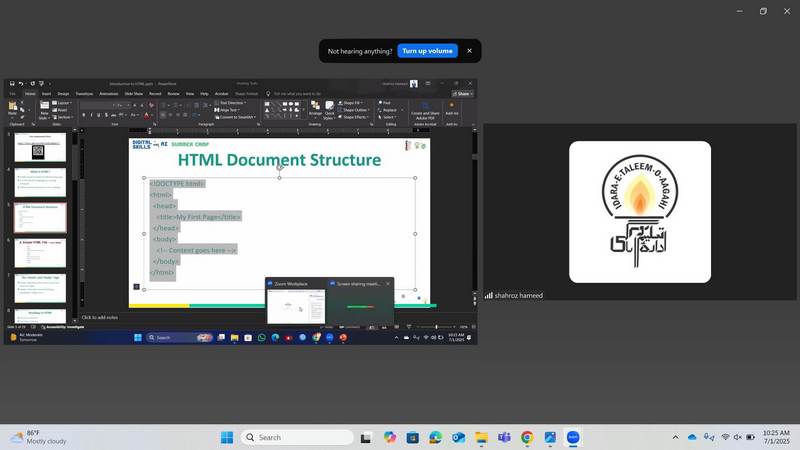
| Day 1 | Introduction to HTML | Creating first webpage using basic HTML tags |
| Day 2 | Text & Images | Inserting text, images, and links in webpages |
| Day 3 | Poster Design with Canva | Designing thematic posters and logos |
| Day 4 | Storytelling & Script Writing | Writing stories/scripts for short videos |
| Day 5 | Introduction to AI Animation | Creating animated videos using AI tools |
| Day 6 | Embedding Media | Uploading posters/videos on web pages |
| Day 7 | Showcase Day | Final presentation of student projects |
Impact & Achievements
By the end of the course:
One of the most exciting aspects was watching how quickly students adapted to new tools. Their enthusiasm, collaborative spirit, and creative outcomes were nothing short of inspiring.
Student Voices – What They Had to Say
"I never thought I could make my own website. Now, not only have I done that, but it has my own poster and video!"
Muhammad Moiz,
Grade 7 - The City School Khanewal
"I loved using Canva and learning to tell stories in a digital way."
Shayyan,
O-Levels - Beacon House - Garden Town
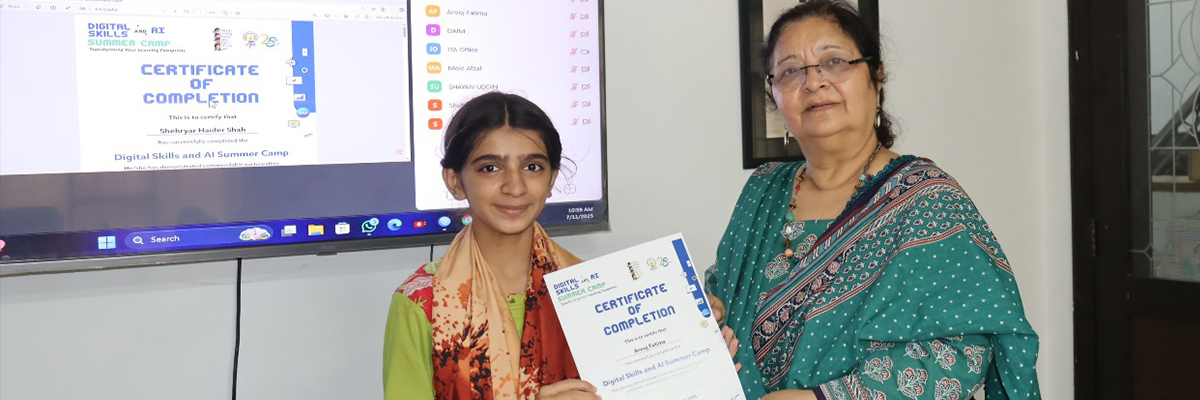
"The trainers were very friendly and explained everything clearly. HTML doesn’t feel scary anymore."
Arooj Fatima
Grade 7 - Sanjan Nagar Public Education Trust
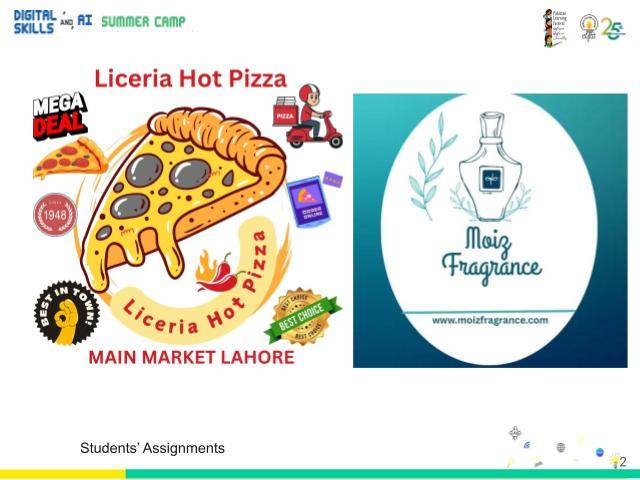
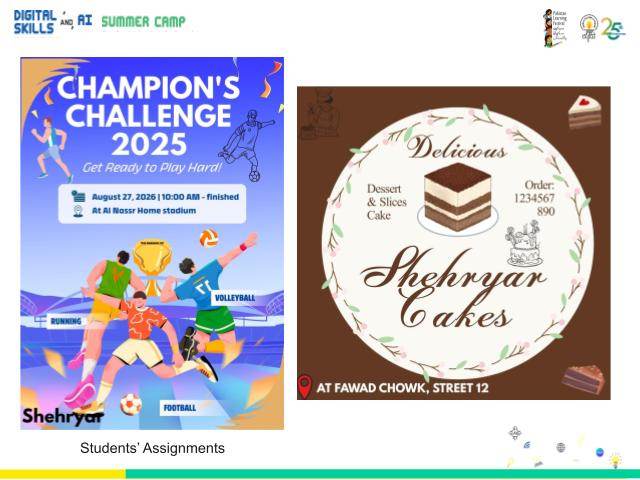
Explore Their Work
Check out some of the creative outputs by our students here:
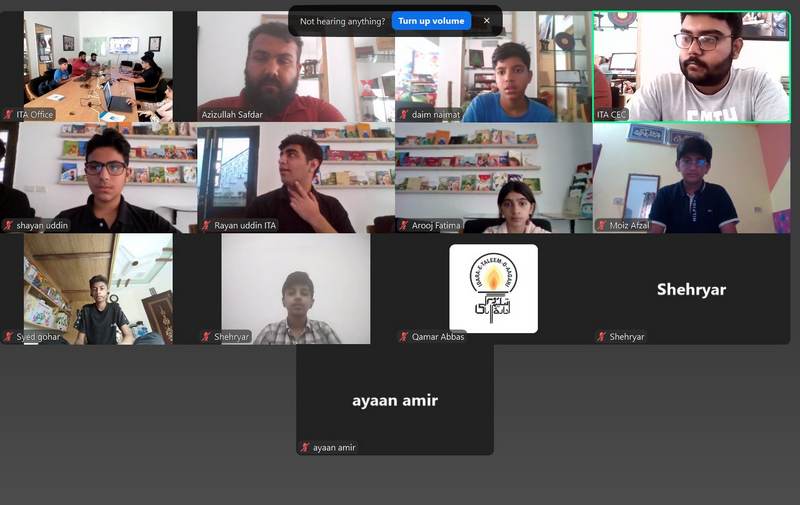
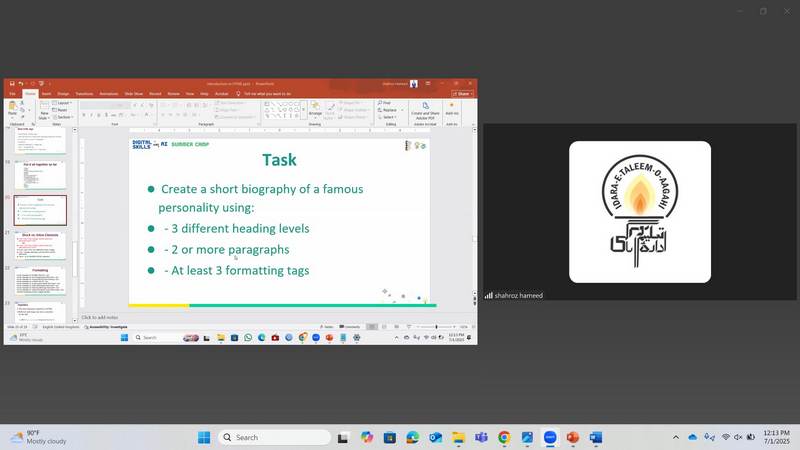
Moments from the Camp
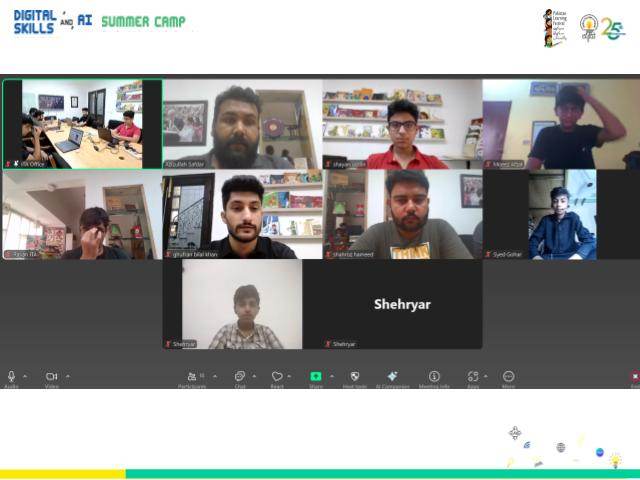
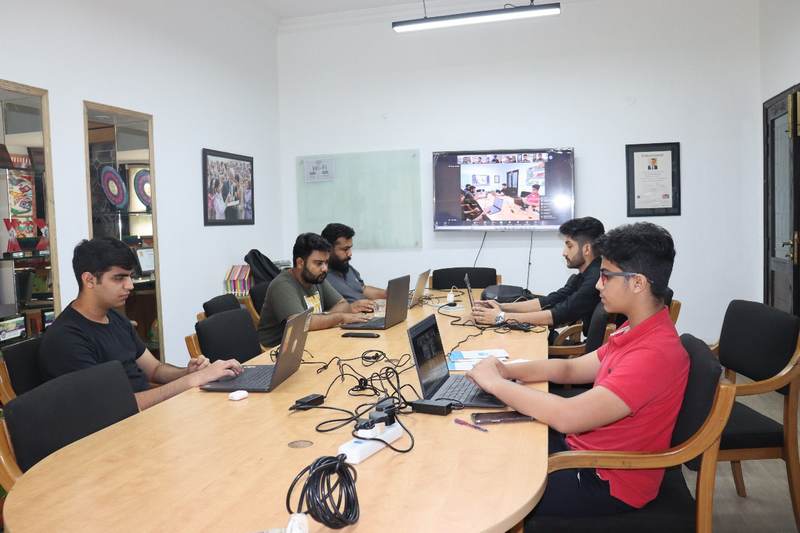
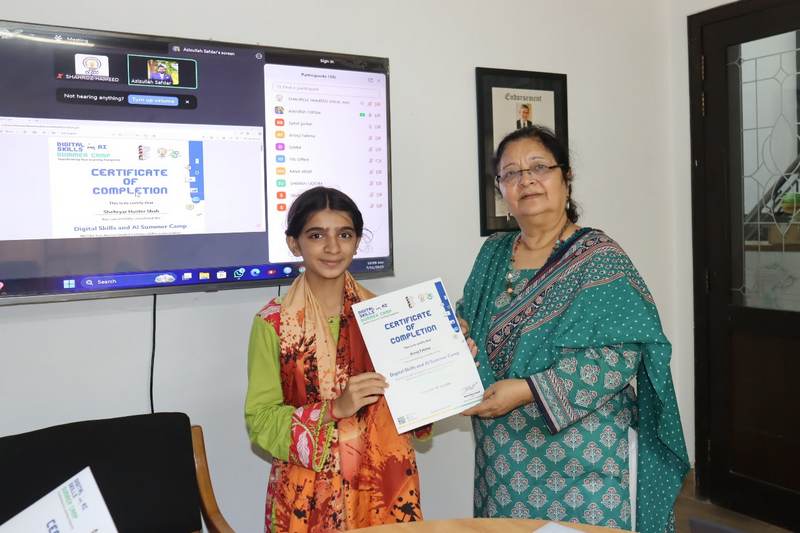
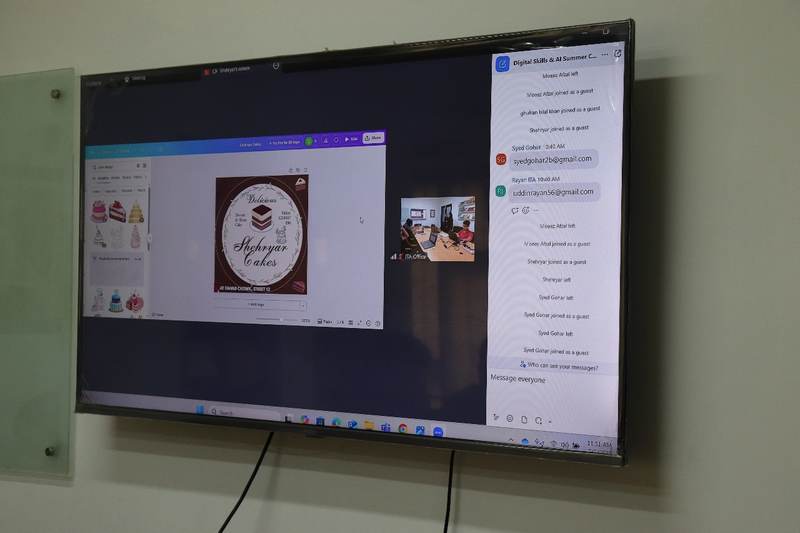
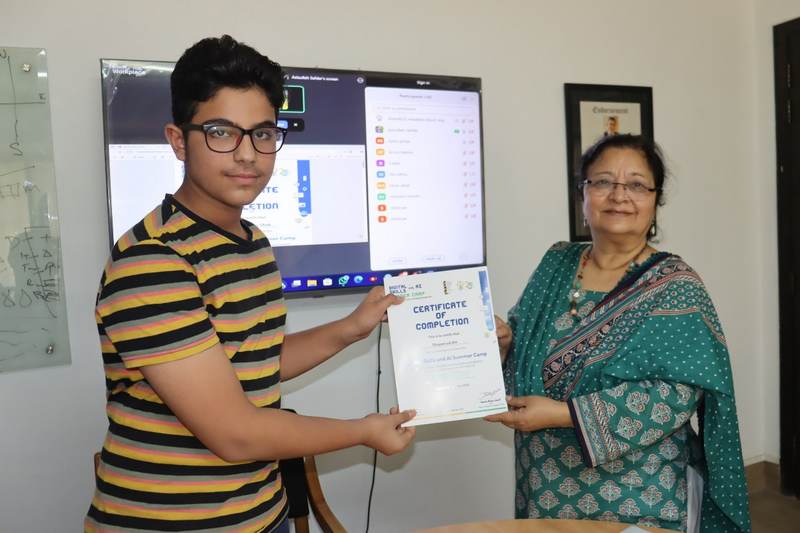
We've also compiled photos from the sessions showcasing live participation, engagement, and student collaboration.
Feedback
Acknowledgements
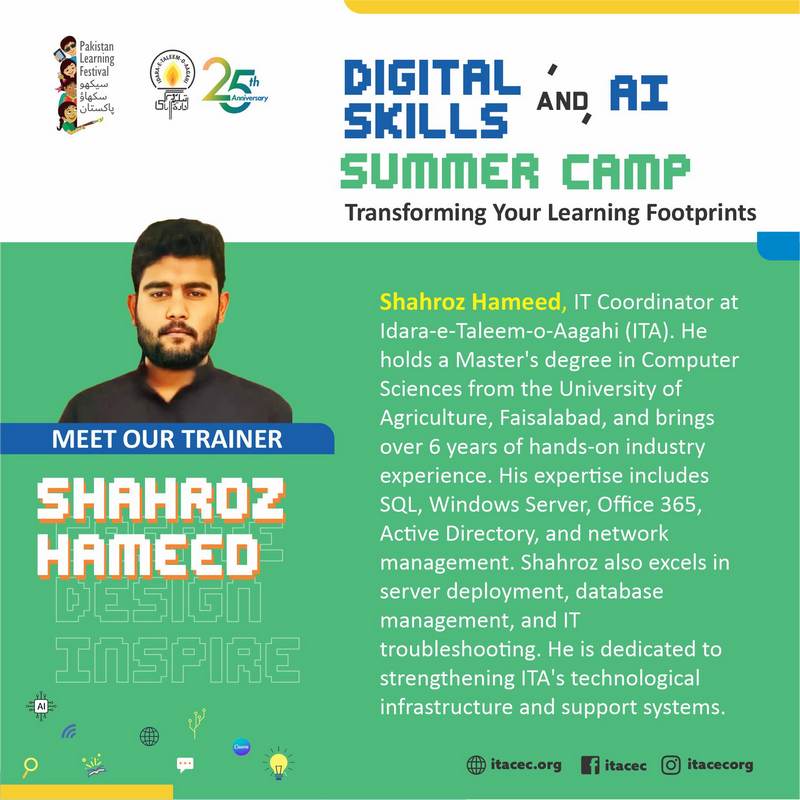
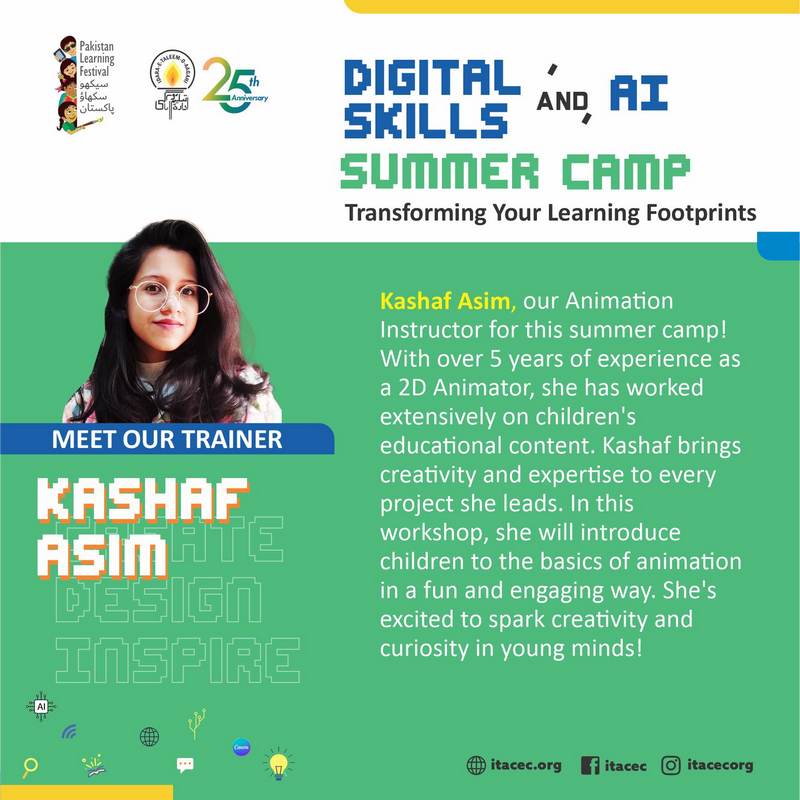
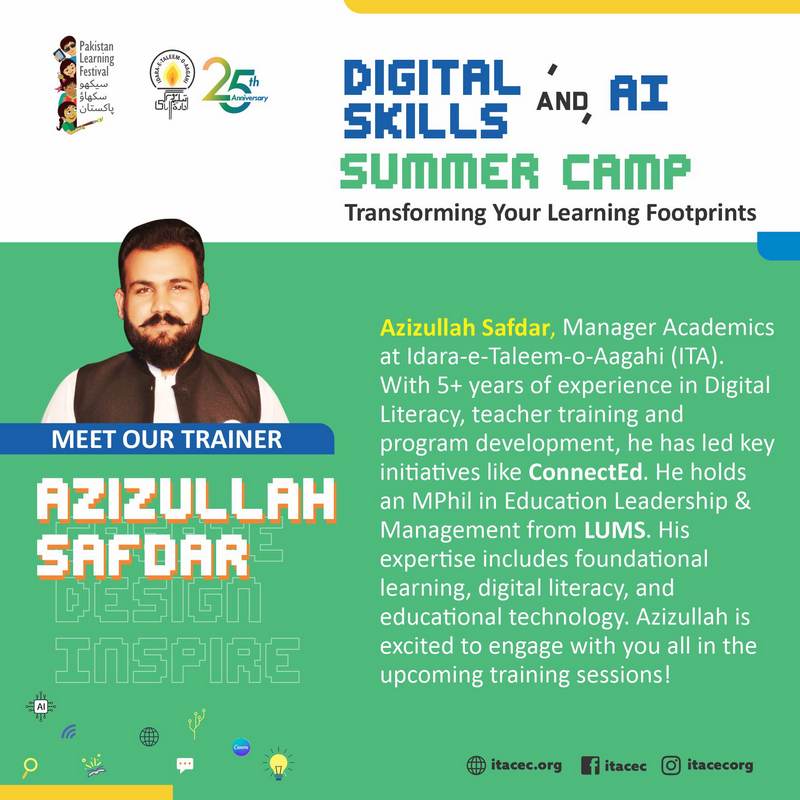
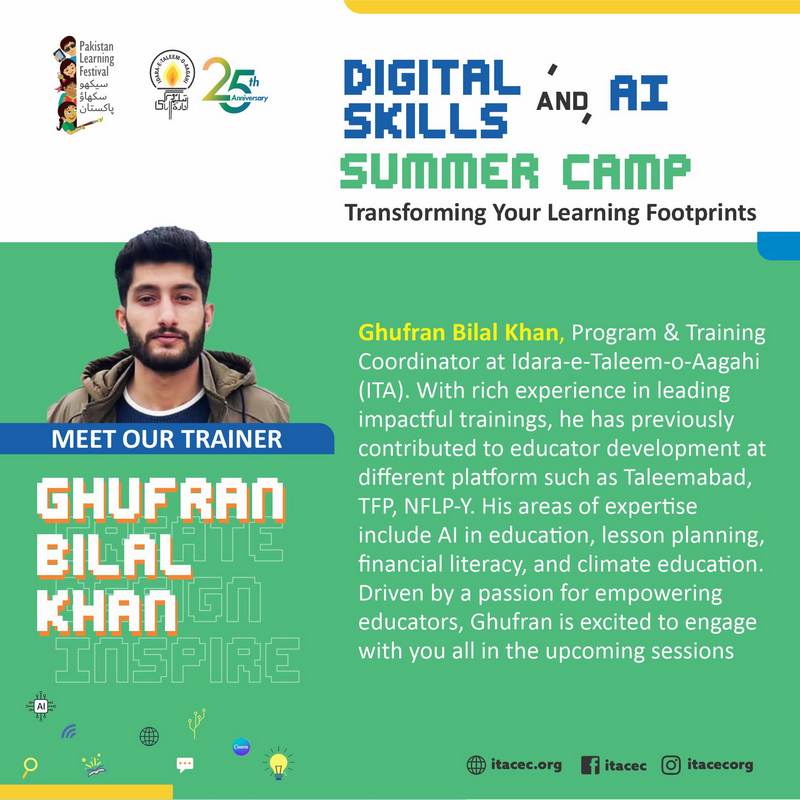
We extend our gratitude to the trainers, IT support team, and coordinators who made this camp a smooth and enriching experience. Special thanks to the parents and school management for their support and trust.
Final Note
The Digital Skills Camp proved that when provided with the right tools and guidance, young learners are capable of creating powerful digital content. From zero experience to functional websites, their transformation was the ultimate reward.
We can’t wait to see where these young digital AI pioneers go next!
